




Supporting 100+ universities, researchers and businesses globally









Read PDFs the smart way - use our AI chat with PDF tool for free
Summarize PDFs
Summarize entire PDFs or individual sections


Analyze charts & tables
Chat with PDF to quickly interpret charts & tables and get insights

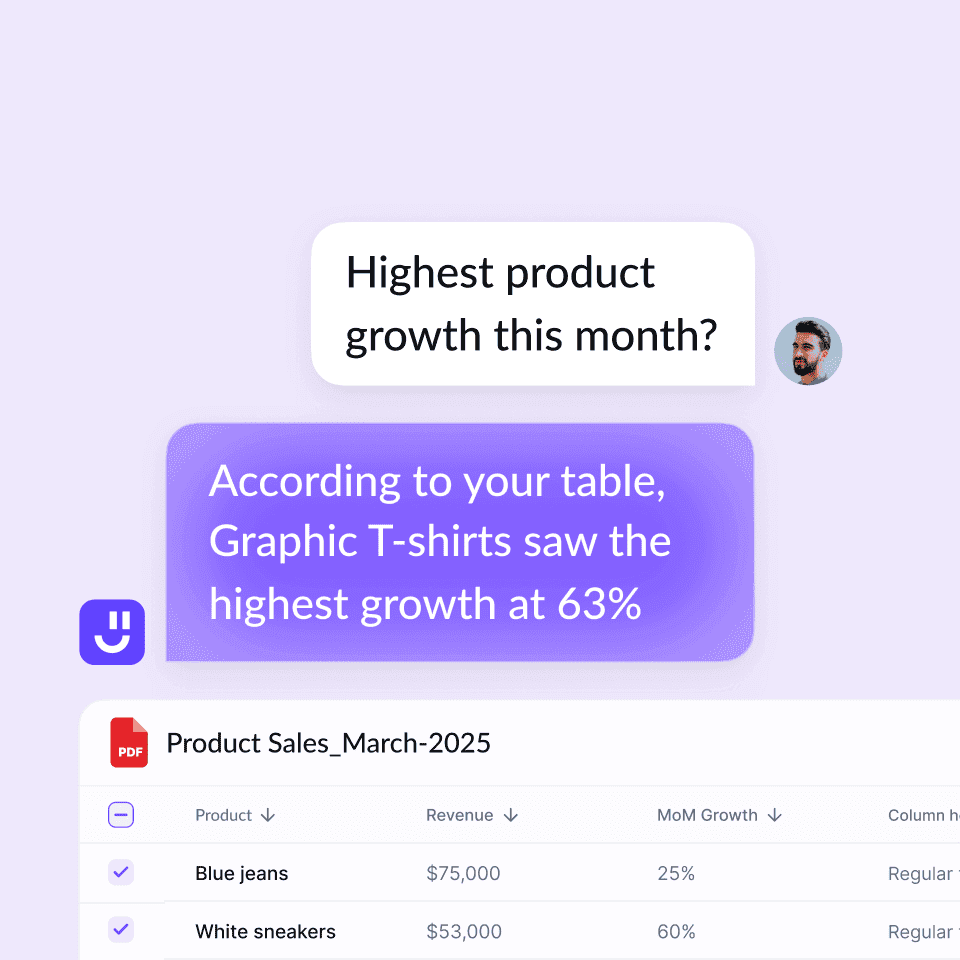
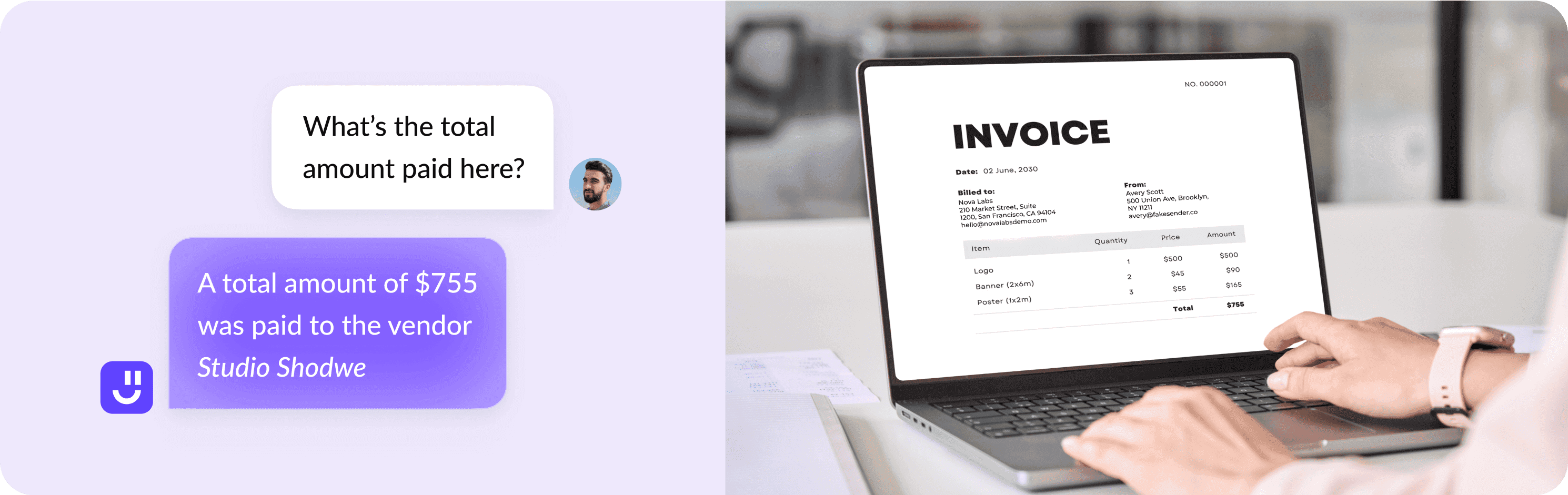
Extract data from images
Analyze images and infographics and get insights quickly

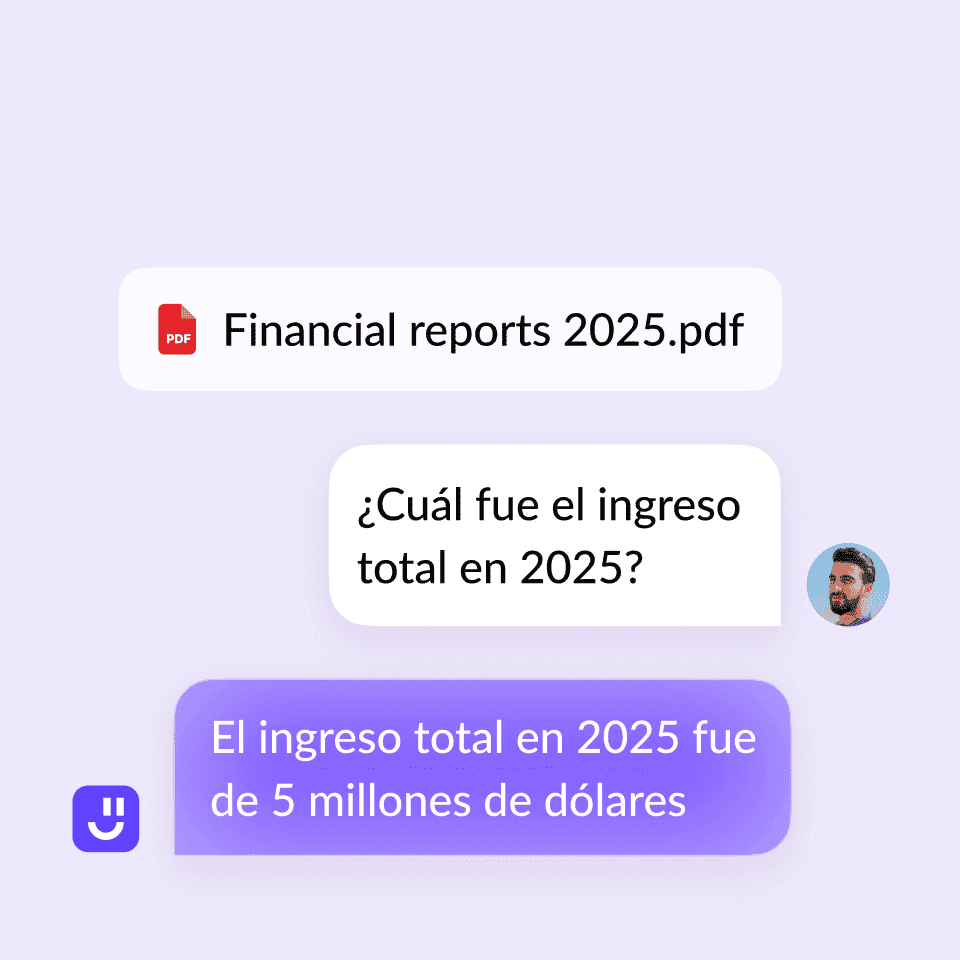
Translate PDFs
Get answers in your language

Who can benefit from AI chat with PDF tool?

Students & researchers
Upload your research papers and books to get insights, explanations, summaries, & citations

Lawyers & legal professionals
Scan your contracts, court statements, and case papers to get accurate answers quickly

Doctors & medical researchers
Quickly analyze medical papers to extract data and get insights about patient health via AI

Financial analysts & accountants
Analyze earning reports, balance sheets, and other docs to extract actionable insights

Business consultants & executives
Analyze market reports, proposals, presentations, pitch decks, and more

Journalists & writers
Extract data from research papers, books, and articles to ask questions and get quotes
Features of Al chat with PDF

Chat with any PDF
Reading through long PDFs is time consuming and frustrating. Instead, ask AI questions about your PDF like you were chatting with a person.

Instant summaries
Still reading research papers multiple times to make notes of important facts? Get quick summaries of long documents.

Navigate PDFs faster
No need to read everything or bookmark sections in your PDF. Just upload the PDF and ask our AI Chat with PDF tool anything about it.

Extract key data
Quickly need numbers, stats, or terms from multiple PDFs? Upload the files, ask the AI to compile the charts, and give you an analysis.

Supports all domain files
Work with any kind of PDF from academic papers, legal contracts, financial reports, to technical documents.

Simple, User-Friendly Interface
All you need to chat with a PDF is to upload the file, wait for the AI to process the PDF data, and start asking questions.

Cite Sources Automatically
Get answers with the exact page and line references from which the information comes so you can easily cross-check everything.

Available 24/7
Use the tool anytime, anywhere. Whether pulling an all-nighter or prepping for a morning meeting, it's always available to help.
Frequently Asked Questions


What is Chat with PDF AI and how does it help?
Is Chat with PDF AI completely free?
Can I chat with multiple PDFs simultaneously?
How does Chat with PDF AI work?
What file types can I upload?
Do I need to sign up to use Chat with PDF AI?
Can I upload multiple PDFs at once?
Is my data secure?
Can Chat with PDF AI help you understand different languages?
Can I use Chat with PDF AI on any device?
Upload your PDFs to get started
Chat PDF: How It Works, Best Tools & Real Benchmarks (2026 Guide)
What Is Chat PDF?
Chat PDF refers to a class of AI-powered tools that convert fixed, unchangeable, or uneditable Portable Document Format (PDF) files into interactive, conversational interfaces. Instead of flipping through pages manually to find important information, you simply type questions like “What are the key findings from section 2?” and the AI responds with answers based on the document’s content.
These tools are trending because they transform dense, time-consuming reading into instant insights, making complex documents easy to digest. Students, researchers, legal professionals, business analysts, and anyone who deals with large volumes of PDF content regularly use chat PDF tools widely.
How Chat PDF Works
To understand why chat PDF tools are effective, it’s important to break down their core components.
Step 1: OCR (Optical Character Recognition)
If your PDF contains scanned pages or images—such as photos of printed reports—the first step is to extract text from those images. OCR technology converts visual text into machine-readable content that the AI can process.
Step 2: Chunking
Once the text is digitized, the system splits it into smaller, logical pieces called chunks. This allows the AI to manage large documents efficiently and focus on relevant sections during query processing.
Step 3: Embeddings
The text is then converted into numerical representations called embeddings, which help the AI understand semantic meaning. These embeddings are stored in a vector database for fast and accurate retrieval.
Best Chat PDF Tool for Your Use Case
Different users benefit from chat PDF tools in different ways.
Students
Students often need help with long readings or extracting key points for notes and assignments. Chat PDF tools allow students to upload multiple files and ask questions across them without switching context.
Key Features
- Automatic summarisation of entire PDFs or specific sections
- Citations to support study notes
- Easy navigation through chapters and sections
Example Use Case You can also ask for flowcharts, additional references, or structured explanations, and the tool will extract and consolidate information accordingly.
- Upload all PDFs, papers, or reading materials.
- Ask: “What are the topics I need to prioritize, and what are their conceptual foundations?”
- Receive a concise summary highlighting priority topics along with clear, preliminary explanations for study.
Researchers
Researchers require high accuracy, traceability, and structured insights. Academic users benefit from chat PDF tools that can interpret complex text and return concrete findings backed by proper references.
Key Features
- Multi-document analysis
- Support for images, figures, and charts
- Language translation and export of insights
Example Use Case You’re researching folklore and need detailed comparison tables based on geography, culture, religion, and other social parameters.
- Upload all collected literature for review.
- Ask for a detailed comparison table based on predefined parameters, or let the tool generate parameters automatically.
- The tool performs comparative analysis across all documents, presents an overarching table, and highlights insights where direct comparisons don’t apply—helping you complete your literature review faster.